
Meet Self Service+
Find out how Self Service+ provides a single portal for security status, updates, apps and resources!
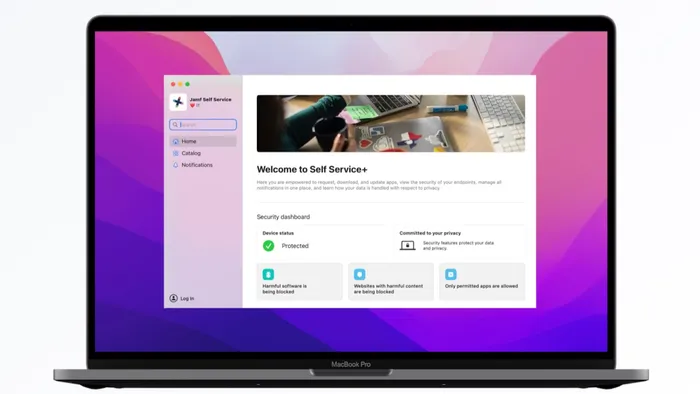
Our goal is simple: give end users a unified, intuitive experience. From basic tasks like requesting and downloading apps to newer capabilities like viewing a device's security status, Self Service+ is designed to enhance employee productivity, reduce IT overhead, and ensure operational continuity.
Self Service+ is Jamf's customizable end-user portal for macOS, iOS and iPadOS — designed to help organizations develop an autonomous, security-aware workforce focused on:
- End user autonomy: employees access organization-approved apps, manage updates and get onboarded from day one, without waiting on IT
- Security and privacy awareness: real-time visibility into device security status, threat alerts and risky apps builds a security-aware workforce without adding friction
- Unified user experience: apps, security and identity consolidated into a single, intuitive portal employees can trust
- Unified notification management: all notifications from integrated Jamf products surfaced in one central location, so important updates never get missed
Watch the Self Service+ announcement at JNUC 2024
Here's a closer look at what Self Service+ brings to Mac and Mobile.
Self Service+ for macOS
Security on the home screen
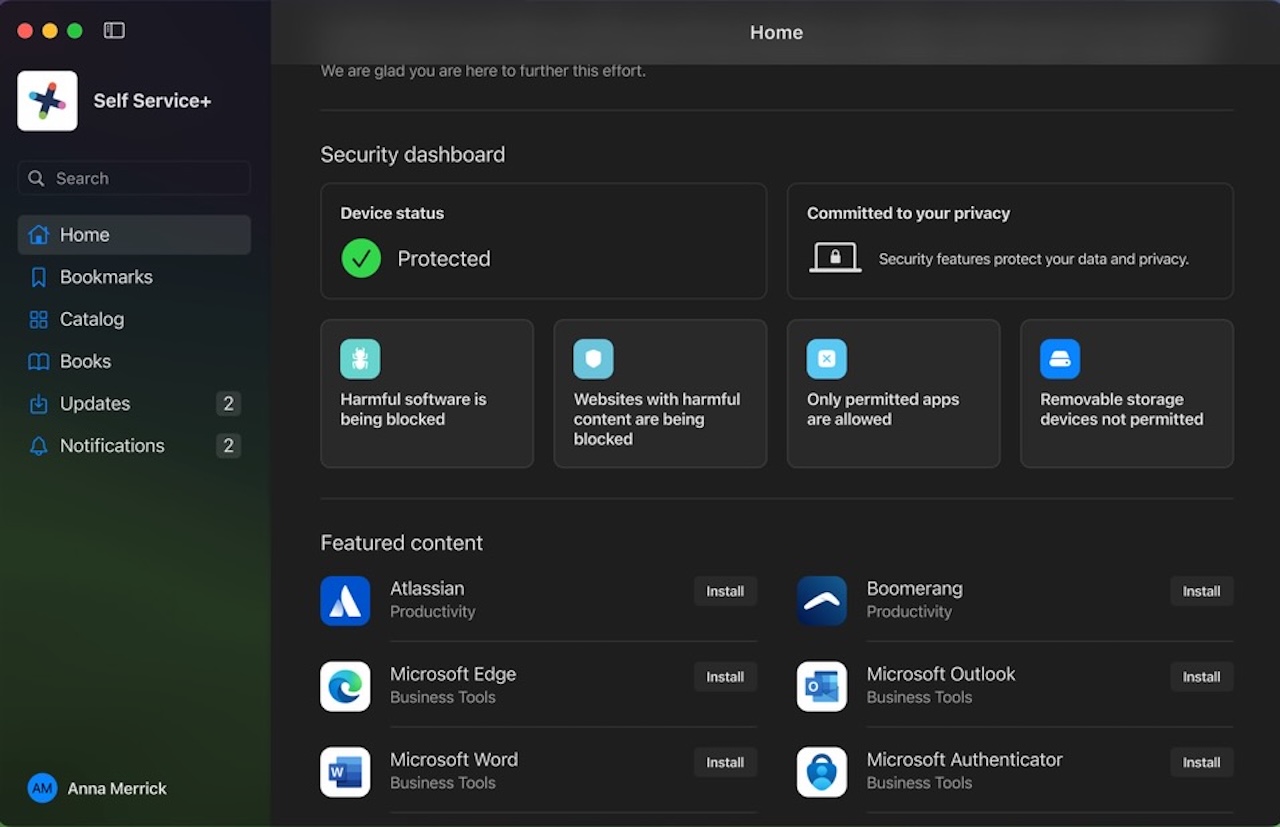
The macOS home screen functions as a dashboard that combines device management and security in one view. It pulls security information from Jamf Protect to surface a device's security status and active policies. This gives end users clear visibility into the health of their device — building security awareness from day one without requiring IT to get involved.
Admins can also push content to the home screen, including featured apps and custom messaging.
Navigation and notifications
An updated sidebar makes it easier for users to move between key areas:
- Home
- Bookmarks
- Catalog
- Books
- Updates
- Notifications
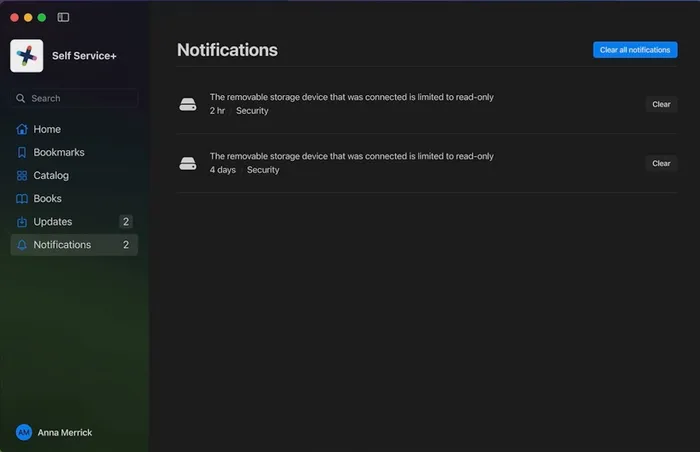
Notification noise is kept to a minimum and consolidated into a single source. Each notification either allows action or informs the user — no noise for noise's sake. When a user is in Focus mode, only the most critical notifications come through.
Easy software updates
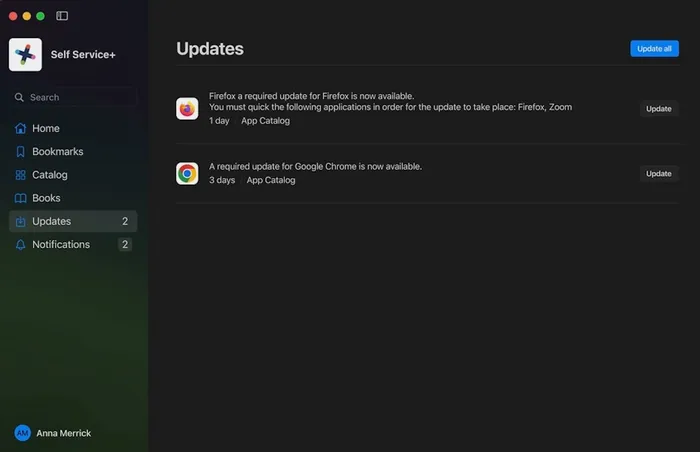
Users can autonomously download and update apps from the catalog or Updates tab — no IT ticket required. Each update includes a description explaining why it matters for security, so users understand the "why" behind what's being asked of them.
Onboarding
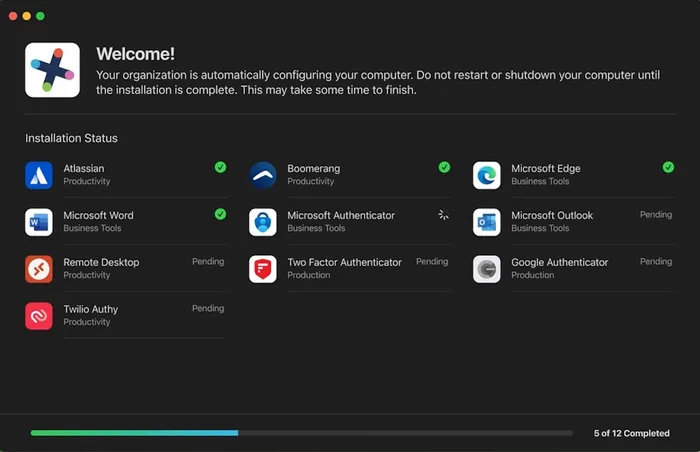
Self Service+ communicates clearly throughout the onboarding process, showing users exactly which applications are being installed during initial setup. A smooth first-day experience sets the tone for everything that follows.
Identity and single sign-on
With Jamf Connect integration, users authenticate and access everything they need without juggling multiple interfaces. Identity management is built into the Self Service+ experience on Mac — so users are reassured that they've securely authenticated and that their device and privacy are protected.
Branding
Self Service+ can be configured to look like a company-owned portal. Admins can add logos, text, banner images, and even change the app icon and name — making it feel like yours from the moment users open it.
Self Service+ for iOS and iPadOS
Jamf empowers end users to be more productive, self-sufficient, and secure on their iOS and iPadOS devices.
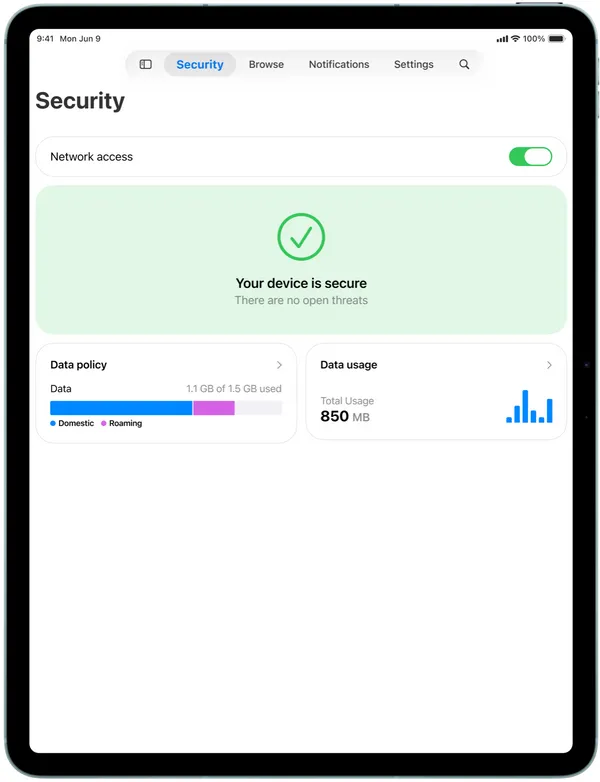
Self Service+ makes it easy for end users to get the apps and resources they need, when they need them. End users can browse a catalog of apps approved by their organization, install what they need to stay productive, and keep everything up to date—all without waiting for IT. Self Service+ also helps them stay secure by giving them visibility and notifying them about their network security status, risky apps, and required updates in real-time.
Security visibility on mobile
End users receive real-time alerts for threats like phishing domains, unsafe networks and malicious activity directly within Self Service+. Security awareness isn't limited to the desktop — mobile users stay informed and protected wherever they work.
Risky app detection
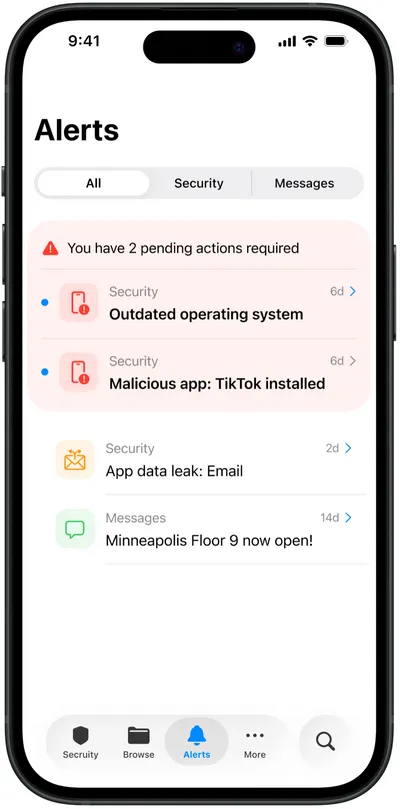
Self Service+ surfaces risky or unmanaged apps installed on a device, helping users understand what's on their phone and giving them the information to act. This improves mobile fleet hygiene without putting the burden entirely on IT.
App catalog
The same curated catalog experience comes to mobile: users browse organization-approved apps, install with one tap and stay up to date — all without waiting on IT.
Consolidated notifications
Important notifications from integrated Jamf products are surfaced in one central location. Users don't miss critical updates, and IT doesn't have to chase people down.
One portal, every Apple device
Whether your workforce is on Mac, iPhone or iPad, Self Service+ gives them a single, trusted place to stay productive, stay secure and stay informed — without relying on IT for every step.
Self Service+ is available to Jamf Pro customers and requires iOS 17 or later, iPadOS 17 or later for mobile devices.