
Get Started with Scripting Series: macOS Terminal, Scripting and Jamf Pro API
See the latest update to Jamf's Get Started with Scripting series. Read on to learn more.

Jamf makes managing devices simple with powerful user interfaces with all the features you need to succeed with Apple at scale. Have you ever wondered what’s going on behind the scenes with your enrolled computers? Curious about automation you can control granularly? Have you needed to troubleshoot a device and the documentation asks you to open the dreaded and intimidating command-line interface to run some code you don’t understand? Are you ready to unleash the power of the Jamf Pro API to more easily, efficiently and safely manage your devices?
The Get Started with Scripting series covers all of these topics and more. This series has undergone a complete refresh, including workflows using Z Shell, or Zsh, the new default for macOS. This introductory series is free, self-paced, and available online in the Jamf Online Training Catalog. If you’re new to the world of the command line, scripting and managing devices with the Jamf Pro API, this series is the place to start.
What’s new with the Get Started with Scripting series?
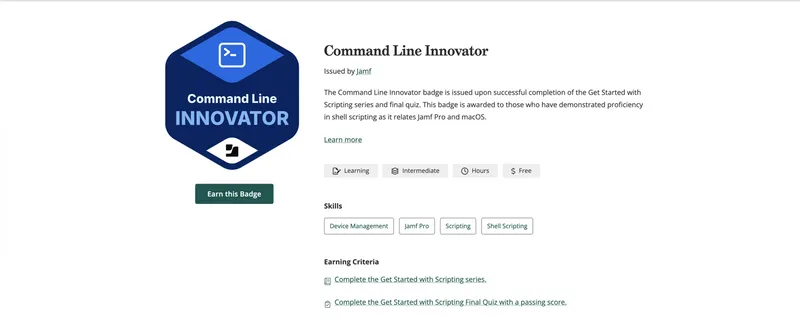
The all-new scripting series teaches on Z Shell instead of Bash — similar environments with key differences and the new default for macOS. The course covers the Jamf Pro API, from an introduction to creating and automating your own API calls. A new final project lets you put your skills to the test by writing a functional IT help script that helps you and your users communicate efficiently. For the first time in the Jamf Online Training Catalog, you can earn the Command Line Innovator badge by completing the series and passing a short quiz.
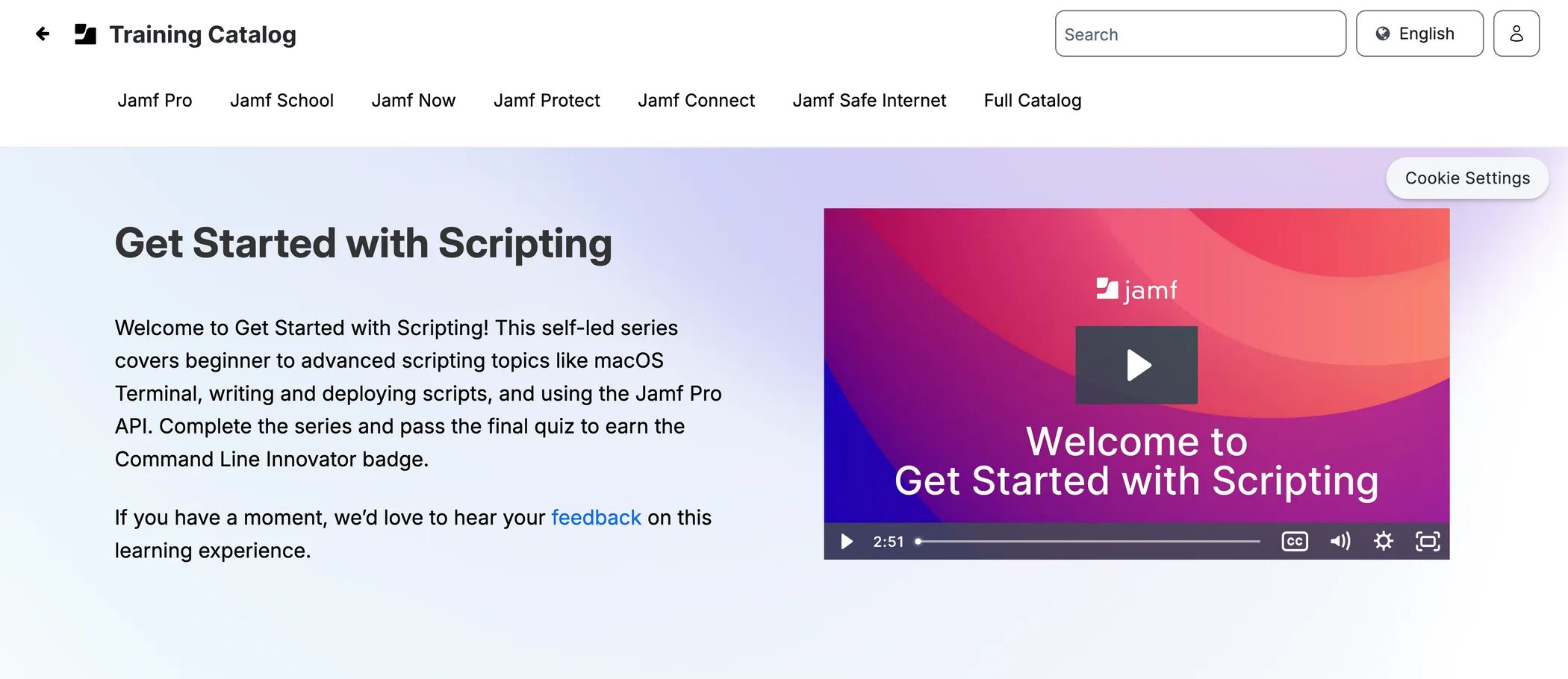
What you'll learn in the series
Command-line basics: Open and use the macOS Terminal app, interact with command-line interface, navigate the file system, run common commands and understand how macOS handles file permissions for users and the system.
Foundations of automation: Combine commands to write flexible scripts that work with Jamf Pro, use positional parameters, apply logic with "if" statements and loops, and understand how macOS properly manages processes with launch daemons.
Putting scripts to work in Jamf Pro: Create policies to remotely run commands, build custom extension attributes to collect additional device data, and organize and deploy scripts from the platform.
APIs and automation: Learn the basics of APIs and how to use them to get the most out of Jamf Pro. We’ll also cover how to interact with users with AppleScript. Combine these principles to build a custom, automated environment for you and your users.
Claim your Command Line Innovator badge
Once you've completed the series and written your own IT help script, demonstrate your mastery over automation and the Jamf Pro API with a quiz. Passing lets you claim your Command Line Innovator badge. Add this industry-recognized Credly badge to your social profiles and share it with your network; you’ve earned it.
As always, our goal at Jamf is to create engaging, meaningful learning experiences for you and your colleagues, and we couldn’t be more excited to make this series available.
Take your scripting skills further.